
Stop questions being made automatically after upload
Normally QuizPaper starts writing questions the moment you upload a document. If you want to upload first and decide later, for example to choose the mix of questions before anything is made, turn that off.
No sound: follow the captions.
Transcript
Open your Profile and switch off Generate automatically after upload. From now on, uploading a document does not start any questions. When you are ready, open the document, which says there are no questions yet, and tap Generate questions.
-
Open your Profile. Tap Profile in the bottom bar.
-
Turn the switch off. The card Generate automatically after upload says “Questions are made right after a document is uploaded.” Switch it off.
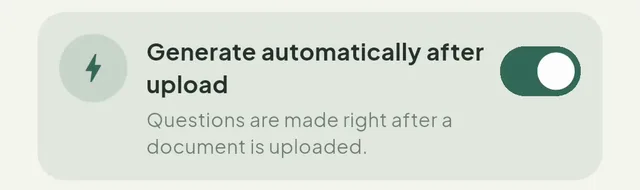
On the Profile screen, the Generate automatically after upload switch. -
Upload as usual. Tap the green plus button on the Home screen, choose your PDF and tap Upload document. The document is added without any questions.
-
Generate when you are ready. Open the document. It says No questions yet and offers Generate questions. Tap it, or open the settings button beside it to choose the mix first.
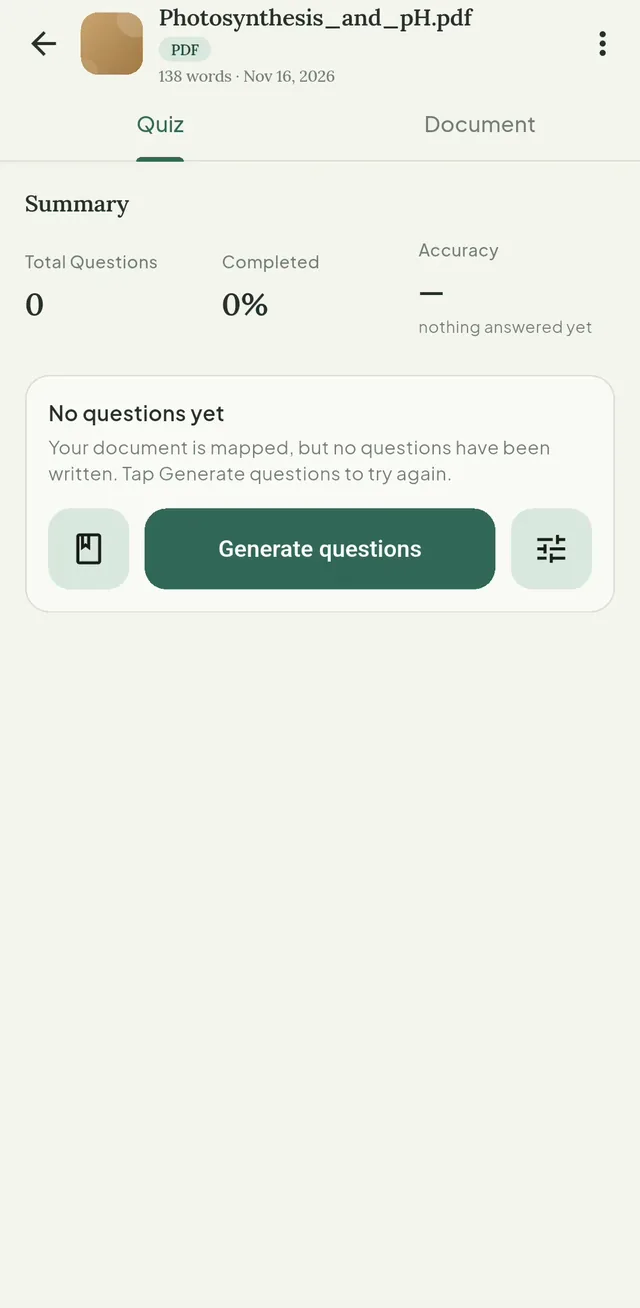
On the document page, tap Generate questions.
Turn the switch back on any time to have questions made right after every upload again.