Find where an answer comes from
QuizPaper does not just tell you whether you were right. Each question rests on a passage of your own document, and you can open that passage.
No sound: follow the captions.
Transcript
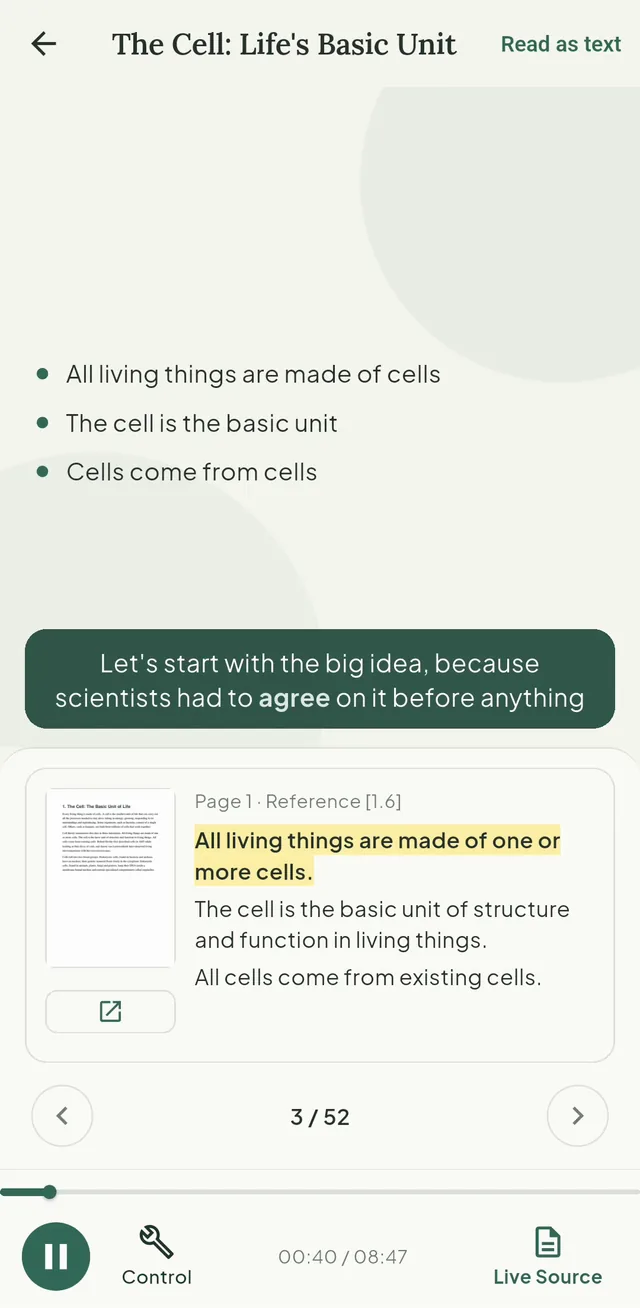
While a lesson plays, tap Live Source. The panel shows the passage of your document that is being explained, and follows the sentence being read. Tap the open button under the page thumbnail, and your original PDF opens at that page with the passage highlighted.
From a question
Section titled “From a question”-
Answer the question. The feedback shows the correct answer, Why?, and a Source block that says it comes from the original document, with the page.
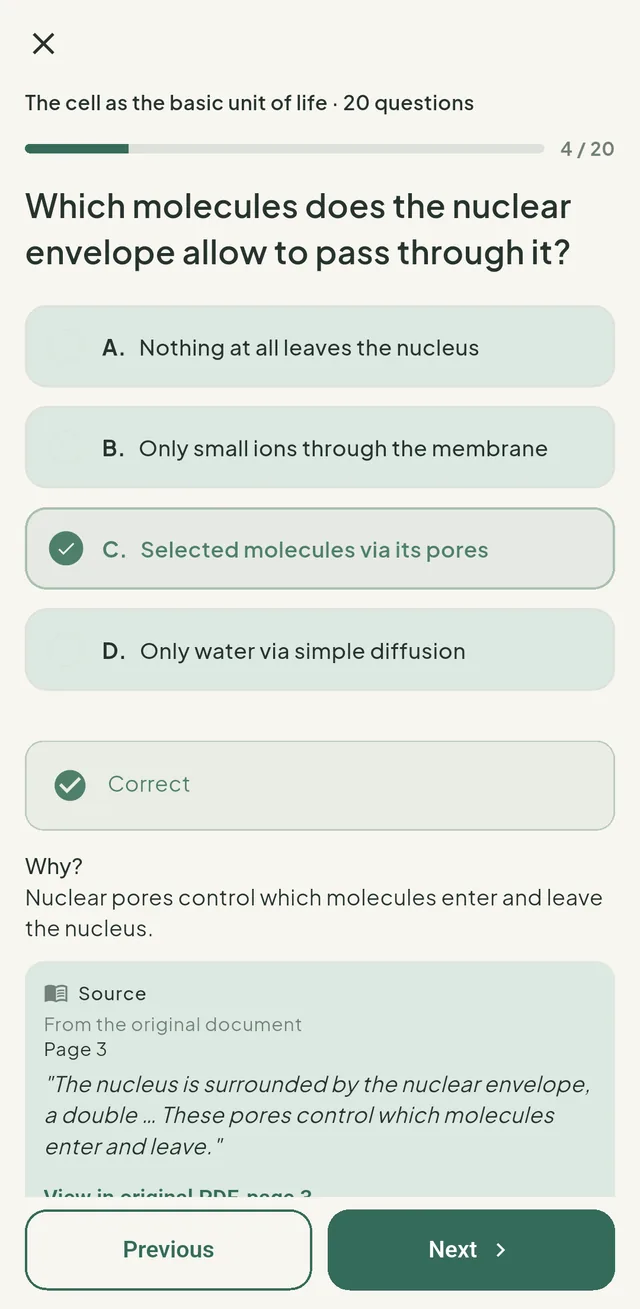
After each answer you see why, and where in your document it comes from. -
Tap View in original PDF. The viewer opens at that page with the passage highlighted.
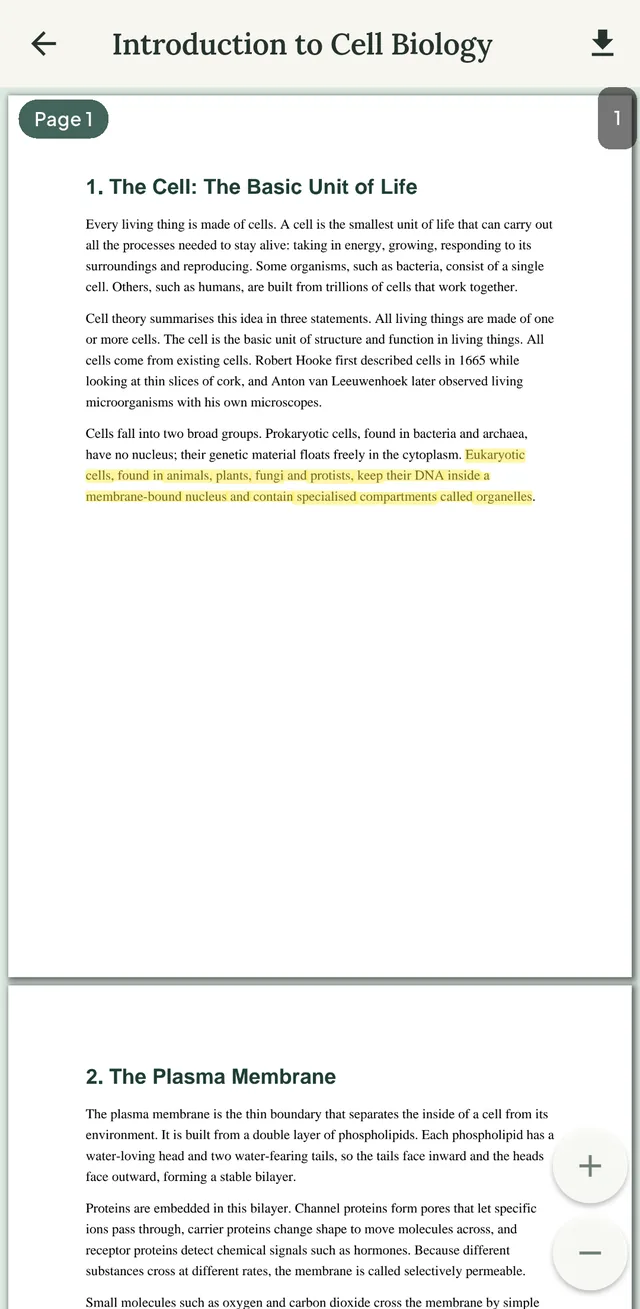
The PDF opens at the passage, highlighted.
From a lesson
Section titled “From a lesson”While a lesson plays, tap Live Source to see the passage that is being explained. Tap Open full page to open your PDF at that page.
From a study set
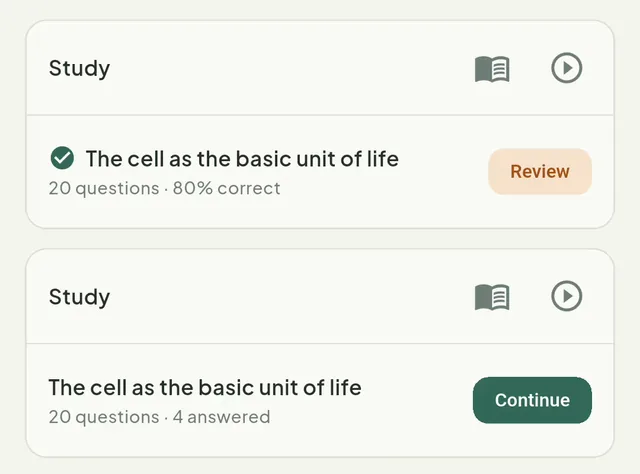
Section titled “From a study set”The book button on a study set’s Study row opens exactly the pages that set’s questions are based on.