
Practise only the questions you missed
After a study set, you do not have to start over. QuizPaper can build a short session from only the questions you missed.
-
Finish a study set. After the last question the results screen shows how you did: how many answers were Correct and Wrong, and your score. If the study set has essay questions, they are graded first, which takes a few seconds, and the results show your essay answers with feedback.
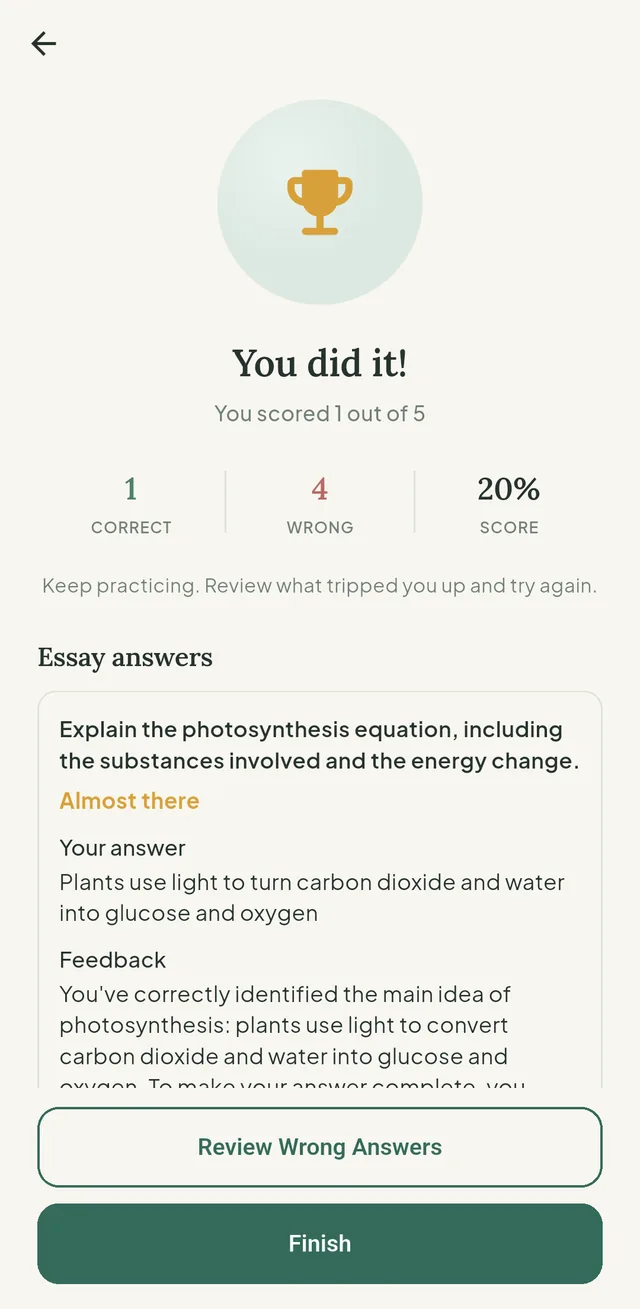
After a study set, the results show how you did. Tap Review Wrong Answers. -
Tap Review Wrong Answers. A sheet called Topics to review lists the topics where you missed questions.
-
Tap Practice weak areas. A new session starts with the questions you missed in that study set.
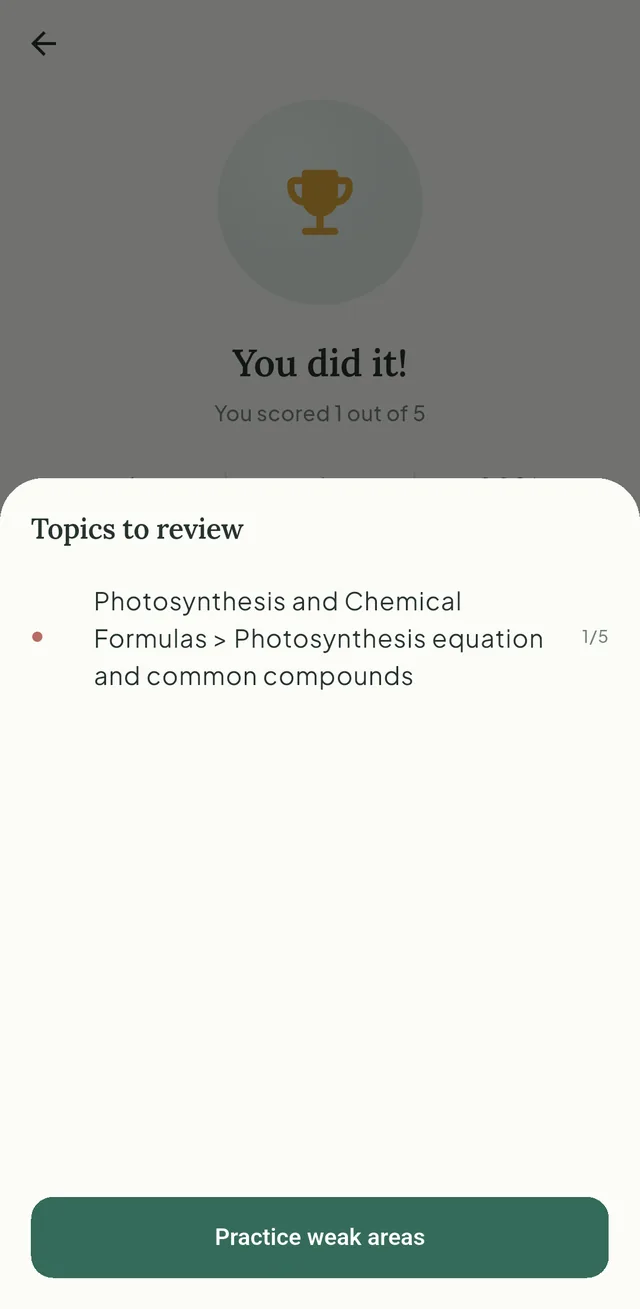
The topics you missed are listed. Tap Practice weak areas to go over them.
Tap Finish to leave the results and go back to the Home screen. To see which parts of the whole document you have not practised yet, open the coverage map.